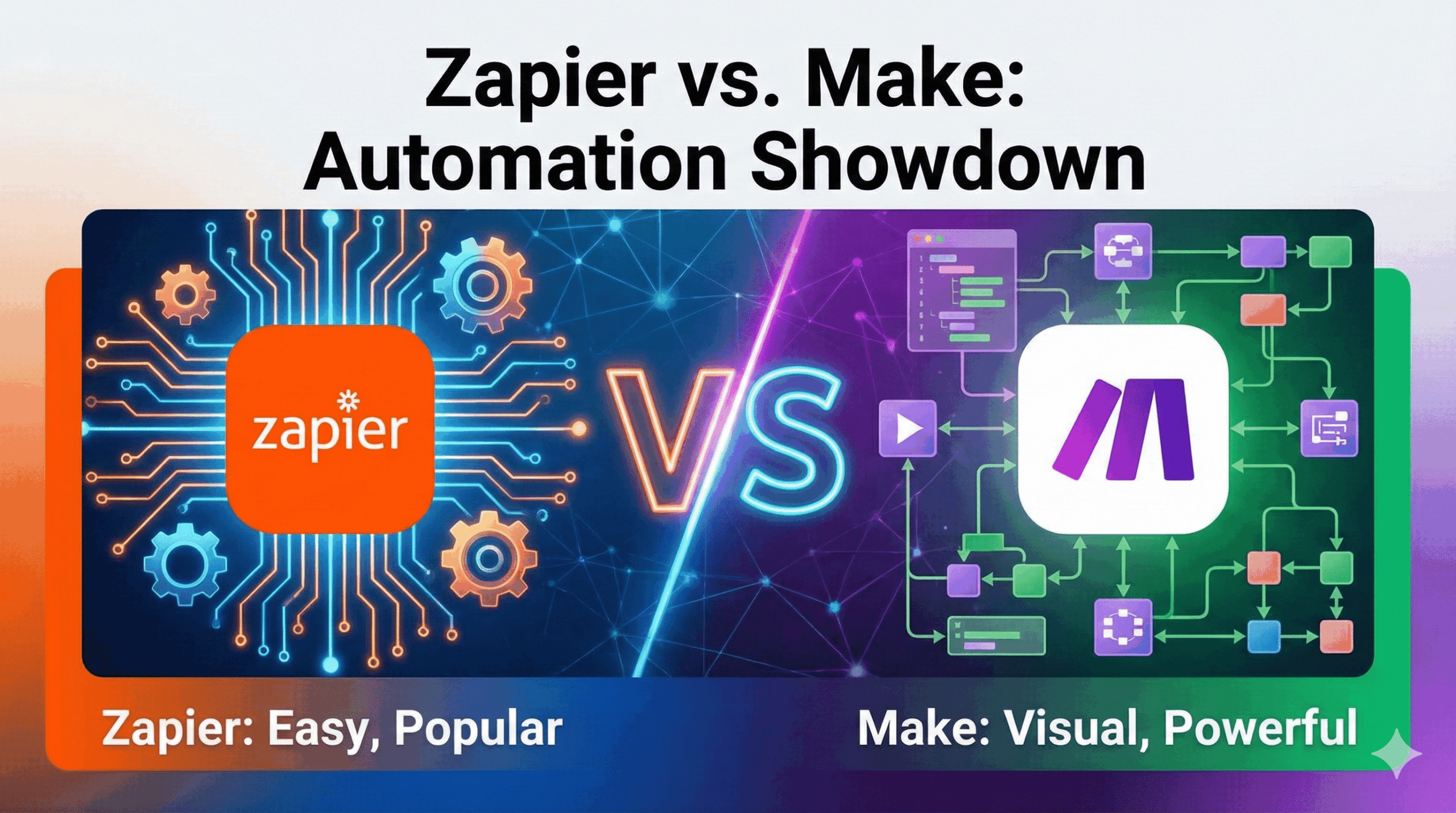
Automation sits at the core of the no-code movement. Once you start connecting forms, CRMs, email tools, and databases, manual work quickly becomes unsustainable. Over the past few years, I’ve used both Zapier and Make (formerly Integromat) in real projects — from simple lead notifications to fairly complex, multi-step workflows.
On the surface, they solve the same problem: connecting apps without code. In practice, the experience of using them day-to-day feels very different. This comparison focuses on how they actually behave in real use, not just feature lists.
A quick overview (before we go deeper)
| Feature | Zapier | Make (Integromat) |
|---|---|---|
| Best suited for | Beginners, small teams | Power users, complex workflows |
| Ease of use | ⭐⭐⭐⭐⭐ Very intuitive | ⭐⭐⭐ Visual but more demanding |
| Pricing style | Task-based, can get expensive | Operation-based, more affordable |
| App ecosystem | 6,000+ apps | ~1,600 apps |
| Learning curve | Very low | Moderate to high |
Ease of use: where Zapier feels effortless — and where it doesn’t
Zapier’s biggest strength is how little thinking it requires. The “Trigger → Action” model is linear and predictable. If a form is submitted, send an email. If a row is added, update a CRM. Most simple automations can be built in a few minutes without opening documentation.
In real use, this simplicity is comforting. When I needed a quick automation for notifying a sales team of new leads, Zapier was up and running almost immediately.
That said, once workflows grow beyond a few steps, Zapier can start to feel rigid. Branching logic, loops, and advanced conditions are possible, but they’re often hidden behind paid features or extra setup screens.
Make approaches usability from the opposite direction. Instead of a list, you build automations on a visual canvas using connected modules. At first, it looks almost like a flowchart or mind map. This is powerful — but also intimidating.
The first time I opened Make, I spent more time understanding how data moves between modules than actually building the automation. Once it clicks, however, the visual approach becomes a major advantage for complex logic.
Bottom line: Zapier feels easier immediately. Make feels harder at first, but more expressive once you’re comfortable.
Pricing: where the difference becomes impossible to ignore
Pricing is often the deciding factor between these two tools.
Zapier charges based on tasks. Their free plan is limited (around 100 tasks per month), and paid plans start at roughly $20/month for relatively low task limits. If you’re running high-volume automations — especially ones that trigger frequently — costs can rise faster than expected.
Make uses an operations-based pricing model. The free plan already includes around 1,000 operations per month, and paid plans start at about $9/month for significantly higher limits.
In one of my workflows that synced content across multiple platforms, the same automation consumed far fewer “billable units” in Make than in Zapier. For teams running dozens or hundreds of automations, the cost difference adds up quickly.
Bottom line: For light usage, pricing may not matter much. For scale, Make is noticeably more budget-friendly.
Power and flexibility: where Make pulls ahead
Make shines when workflows stop being linear.
Need to:
- Loop through multiple records
- Split logic into different paths
- Aggregate data before sending it elsewhere
These scenarios feel natural in Make’s visual builder. You see the structure of the automation clearly, which makes debugging easier once you’re used to the interface.
Zapier can handle some of this, but often with more constraints. Advanced logic is available, but it tends to feel layered on top of a system that was designed for simplicity first.
That trade-off is intentional — and for many users, it’s the right one.
App ecosystem: quantity vs depth
Zapier’s app library is massive, with support for over 6,000 apps. If you’re working with niche SaaS tools, chances are Zapier already supports them.
Make supports fewer apps, but often exposes deeper functionality for the apps it does support. In practice, this means you might have fewer integrations, but more control within each one.
In my experience, Zapier wins on coverage; Make wins on how much you can do once connected.
Reliability and maintenance (often overlooked, but important)
Zapier feels like an appliance. Once it’s set up, it quietly runs in the background. Errors are usually easy to diagnose, and the UI does a good job of explaining what went wrong.
Make provides more detailed execution logs, which is great for debugging — but also assumes you’re willing to read them. When something breaks, Make gives you more information, but also expects more effort.
Neither tool is unreliable; they just assume different levels of user involvement.
So… which one should you actually choose?
There’s no universal winner here.
Zapier is ideal if:
- You want automations to “just work”
- You value speed and simplicity over cost efficiency
- Your workflows are mostly linear
Make is usually the better choice if:
- You’re cost-conscious at scale
- You enjoy visual logic and experimentation
- Your workflows involve branching, looping, or data manipulation
A pattern I’ve seen repeatedly: teams start with Zapier, then move parts of their automation stack to Make as complexity and volume increase.
Final thoughts
Zapier and Make aren’t competing to replace each other entirely — they represent two different philosophies of automation. Zapier optimizes for comfort and accessibility. Make optimizes for power and efficiency.
If you’re early in your automation journey, Zapier lowers the barrier to entry. If you’re building serious systems, Make rewards the time you invest in learning it.
For many no-code builders, the smartest setup in 2026 is not choosing one over the other — but knowing when each tool makes the most sense.