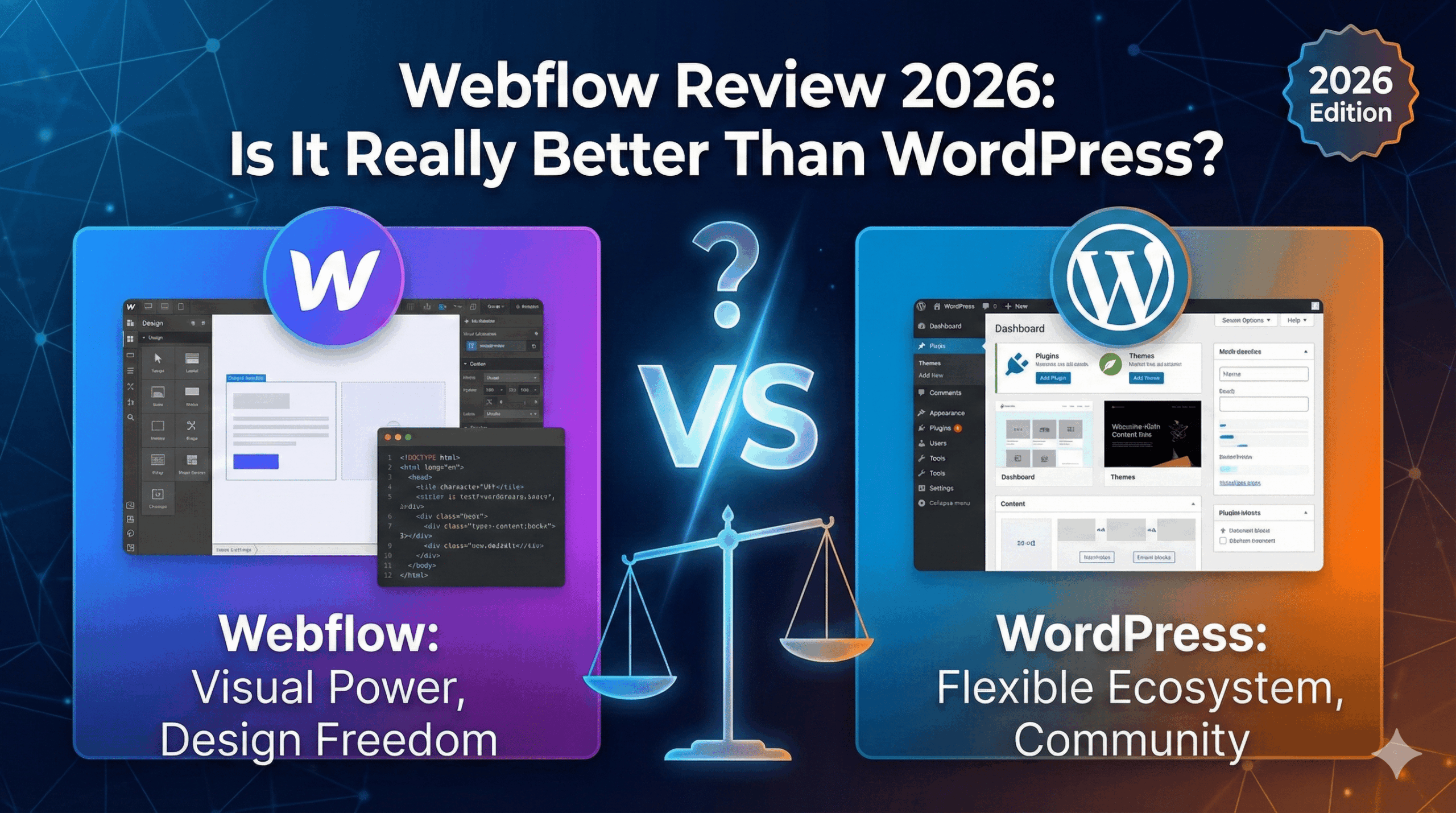
If you care deeply about design—but don’t want to touch HTML or CSS—Webflow is probably already on your radar.
It’s often praised as “what designers use instead of WordPress.”
But that praise usually comes with two big questions:
- Is Webflow too complex for non-designers?
- And is it really worth paying more when WordPress is basically free?
I’ve used both. Here’s the honest breakdown, without marketing hype.
⚡️ Quick Verdict
Rating: ⭐⭐⭐⭐☆ (4.5 / 5)
Webflow is one of the most powerful no-code website builders available in 2026.
It delivers near-developer-level control—but demands a real learning investment.
Best for
- Designers who want pixel-perfect layouts
- Agencies building client sites
- SaaS startups that care about branding and performance
Not ideal for
- Complete beginners
- Content-heavy blogs
- Anyone who just wants to “install a theme and write”
👉 If your priority is content and speed, WordPress still wins.
Key Features Explained (Without the Buzzwords)
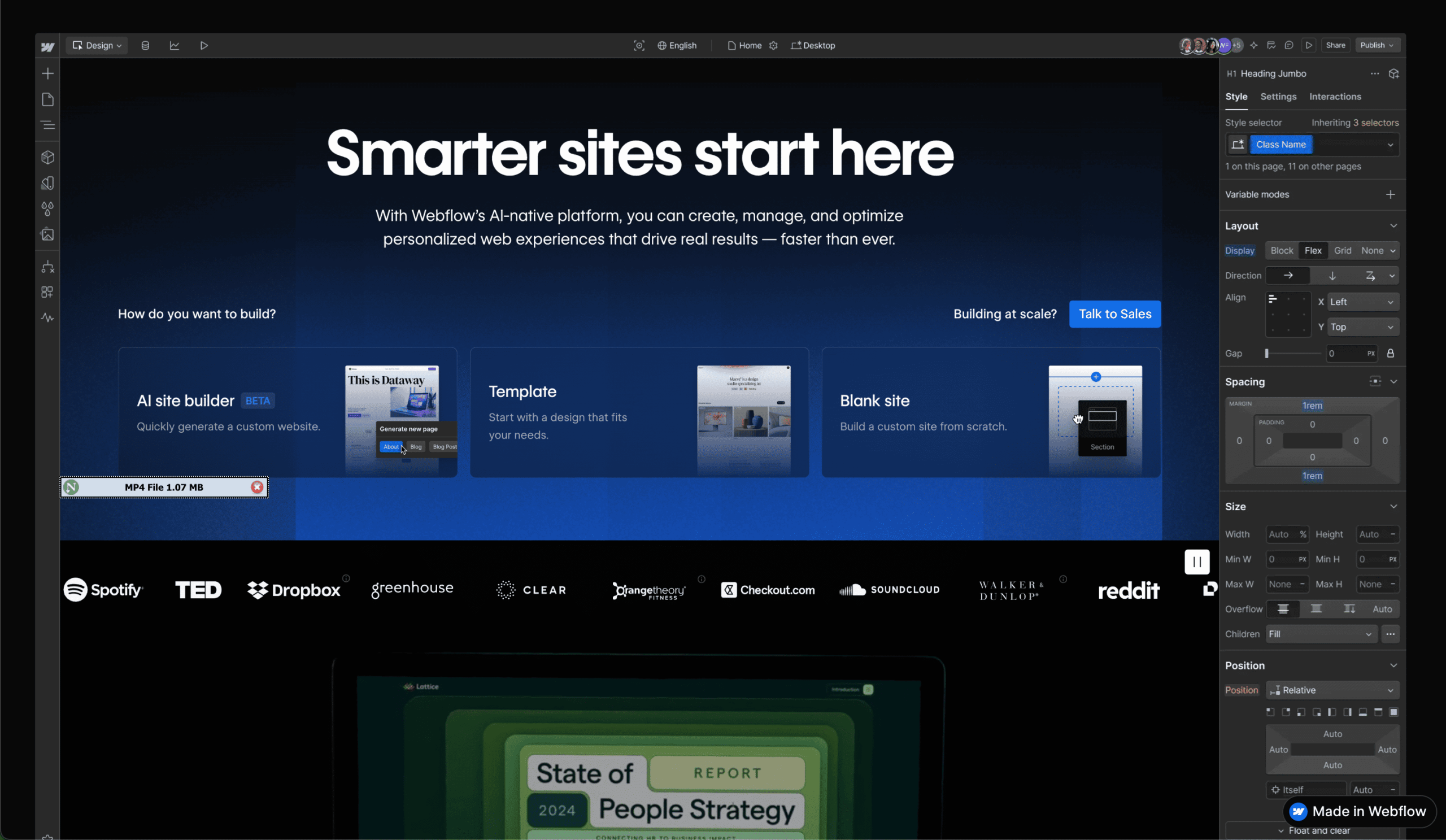
1️⃣ The Designer (Visual Canvas)
Webflow is not a drag-and-drop builder like Wix or Squarespace.
Think of it this way:
You’re visually writing real CSS, Flexbox, and Grid—without typing code.
You control:
- Margins, padding, positioning
- Flexbox & grid layouts
- Animations and interactions
That power is incredible—but also intimidating.
If you don’t understand how the web layout works, Webflow will force you to learn.
This is both its biggest strength and its biggest barrier.
2️⃣ CMS (Content Management System)
Webflow’s CMS is one of the best-designed systems in the no-code world.
You create Collections, such as:
- Blog posts
- Team members
- Case studies
Then design one template, and Webflow dynamically generates the rest.
For structured content, it’s elegant and fast.
For complex editorial workflows, WordPress still has the edge.
3️⃣ Hosting & Security
This is where Webflow quietly destroys most competitors.
- Hosted on AWS
- Global CDN by default
- Automatic SSL
- No plugins to update
- No security patches to worry about
You publish—and it’s live, fast, and secure.
For agencies, this alone is worth the price.
![Insert Screenshot: Webflow Designer Interface]
Pricing (2026 Reality Check)
Webflow’s pricing scares people—but context matters.
- Starter: Free (great for learning, limited publishing)
- Basic: $14/month – simple marketing sites
- CMS: $23/month – blogs & dynamic content
- Business: $39/month – high traffic
Yes, it’s more expensive than WordPress hosting.
But you’re paying for hosting + security + performance + peace of mind.
Pros & Cons (No Sugarcoating)
✅ Pros
- Unmatched design freedom
- Clean, exportable code
- Extremely fast hosting
- No plugin hell
❌ Cons
- Steep learning curve (expect weeks, not hours)
- Higher monthly cost
- E-commerce still weaker than Shopify or WooCommerce
Webflow vs WordPress (Quick Reality Check)
| Use Case | Better Choice |
|---|---|
| Personal blog | WordPress |
| SEO content site | WordPress |
| Designer portfolio | Webflow |
| SaaS marketing site | Webflow |
| Client sites | Webflow |
| Cheap & fast setup | WordPress |
This isn’t about “which is better.”
It’s about what you’re building.
Final Thoughts
If you’re willing to spend 10–20 hours learning Webflow, it gives you superpowers.
It’s the closest thing to “coding without coding” that actually feels professional.
But if your goal is publishing content quickly and cheaply, WordPress is still the smarter choice.