Launching a startup used to mean months of development, expensive engineers, and endless back-and-forth.
In 2026, that barrier is basically gone.
With the right no-code tools and a clear process, you can go from an idea to a live product in about one week—sometimes even faster.
This checklist is based on real-world no-code launches. Use it before you hit “Publish” to avoid the most common (and painful) mistakes.
Phase 1: Foundation (Day 1–2)
If you rush this part, everything else becomes harder.
✅ Domain & Branding
- Buy a clean, short domain (.com or .app works best).
- Avoid hyphens and numbers if possible.
- Check that the same name is available on X (Twitter) and LinkedIn.
Tip: Don’t overthink branding. A “good enough” name today beats a perfect name next month.
✅ Hosting & Platform
- Set up your site using WordPress or Webflow.
- Choose a fast, lightweight theme or template.
- Make sure SSL is enabled from day one.
Speed matters—not just for SEO, but for trust.
✅ Analytics & Tracking
- Install Google Analytics 4 (GA4).
- Connect Google Search Console.
- Set up at least one conversion event (signup, button click, or purchase).
If you don’t track data early, you’ll regret it later.
✅ Legal Basics (Don’t Skip This)
- Privacy Policy
- Terms of Service
- Cookie notice (if applicable)
These are mandatory if you plan to use Google AdSense, Stripe, or any serious ad platform.
Phase 2: Build (Day 3–5)
This is where your idea becomes something real.
✅ Landing Page
Your homepage should answer one question clearly:
“What problem does this solve, and who is it for?”
Minimum structure:
- One clear H1 headline
- Short subheading with benefits
- One primary CTA (signup, download, or demo)
Less content, more clarity.
✅ Lead Magnet (Highly Recommended)
Create one simple free resource, such as:
- A PDF checklist
- A short guide
- A template
This gives visitors a reason to stay—and a way for you to collect emails.
✅ Automation
- Connect your forms to an email tool (via Zapier or native integrations).
- Send at least one automated welcome email.
- Store leads in one central place.
Manual copy-paste kills momentum.
✅ Payments (If You’re Monetizing)
- Set up Stripe early, even if you don’t charge yet.
- Test a real transaction (refund it later).
- Make pricing simple—avoid complex plans at launch.
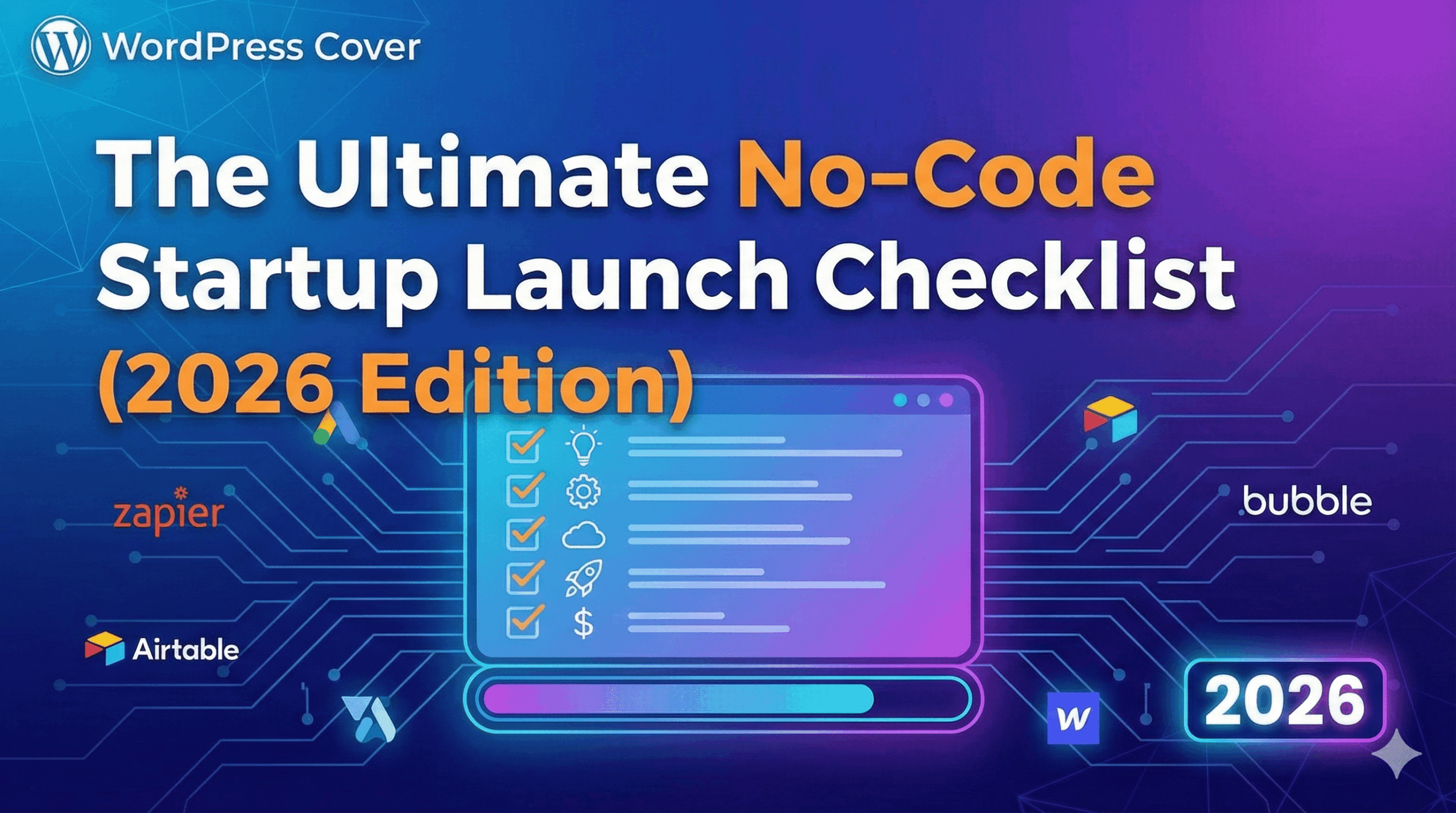
![Insert Image: A simple infographic of this checklist]
Phase 3: Launch (Day 6–7)
This is where most people freeze. Don’t.
✅ Basic SEO Check
- Write unique meta titles and descriptions.
- Use an SEO plugin (Rank Math or similar).
- Make sure your site is indexable.
You don’t need “perfect SEO.” You need correct SEO.
✅ Social Presence
- Create accounts on X (Twitter) and LinkedIn.
- Use the same name, logo, and bio.
- Pin your launch post.
Even one social profile is better than none.
✅ Launch Channel
Pick one, not all:
- Product Hunt
- Indie Hackers
- Reddit (carefully)
- Your email list
Focus beats noise.